DVCOM RMA Process
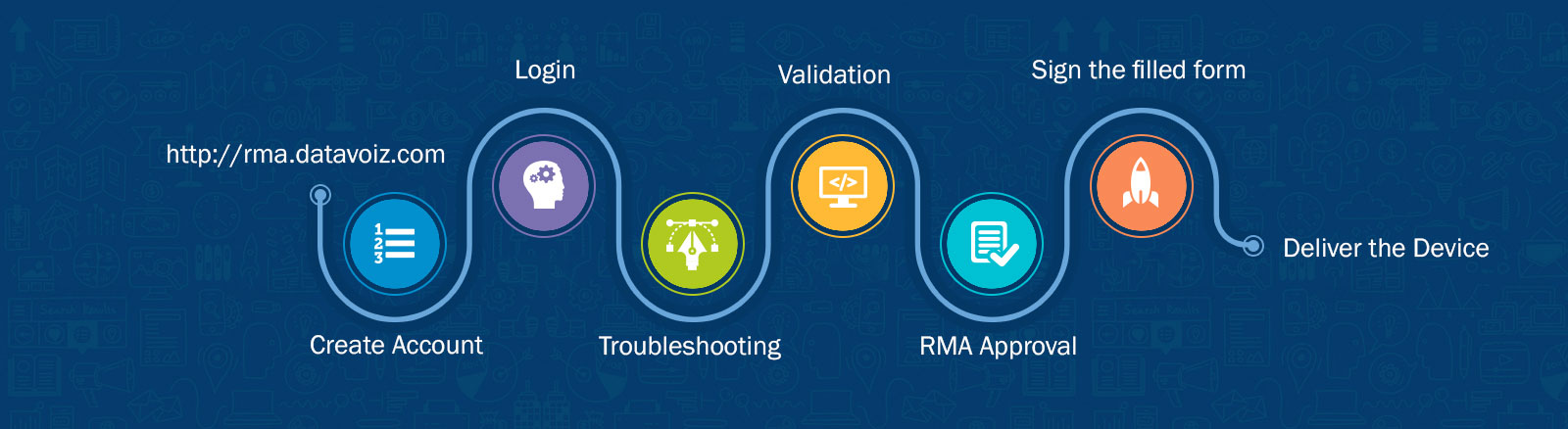
Step 1: Create an account and log in to the RMA Portal: https://rma.datavoiz.com.
Step 2: Create a support ticket and clearly describe the issue. Please attach clear photos and/or videos showing the fault to help our support team assess the problem.
Step 3: Wait for a response from our support representative. Do not send the faulty unit to our office until you receive confirmation from our support team.